Home / Codes / How to redeem
How to Redeem In This Town Roblox Codes
These steps are for In This Town [NEW EVENTS] by Global Goose Games, the only build whose description prints a code. The working string itself is on the codes page. Both pages were checked on 17 Nov 2026. MrGuider and Bloxodes agree on the gear/settings icon, code entry and redemption. The exact ENTER CODE label comes from Bloxodes alone.
Steps
- 1. Open the Global Goose build. Launch In This Town [NEW EVENTS] by Global Goose Games. A code from another same-name experience is a different game.
- 2. Join the group if you are asked. Bloxodes says you must join the Global Goose Games community. MrGuider does not mention that step, so it stays a one-source requirement.
- 3. Open settings. MrGuider and Bloxodes both place the gear/settings icon at the top right (2 sources).
- 4. Enter the code. Type it into the code box. Bloxodes calls it ENTER CODE and says codes are case-sensitive (1 source for those details).
- 5. Press REDEEM. Use the redeem button (2 sources). Bloxodes spells the label REDEEM; MrGuider calls it redeem/claim. Bloxodes also lists an already-used code as a failure reason (1 source).
When it fails
- Wrong build. Nine experiences share the words In This Town or In This World. The code tables talk about Global Goose only.
- Capital letters. Bloxodes says the box is case-sensitive (1 source). UPDATE is written in capitals in the description.
- Expired. 30LIKES is the string two tables have already moved out of the live list.
- Group. Only Bloxodes says you need to join Global Goose Games first. If you are stuck, that is the one extra step with a single source.
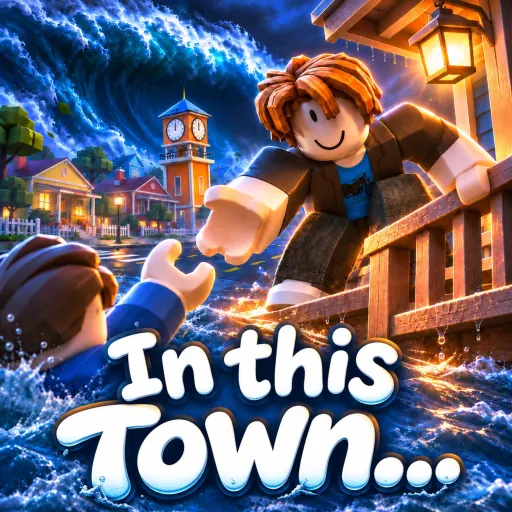
I do not have a public screenshot of the code box, so this page does not fake one. The picture below is the experience’s public thumbnail, so you can recognise the icon before you press play on Roblox.
Advertisement
FAQ
The code says invalid. What now?
Check the game version first. Bloxodes also lists wrong capital letters, expiry, and an already-used code as failure reasons. 30LIKES is already in the expired archive.
Where is the code box in the other eight games?
I do not have a source that shows a code box in those builds. I am not describing a button I have not seen described.
Related
Sources
Last checked 2026-11-17.
- MrGuider — checked 2026-11-17
- Bloxodes — checked 2026-11-17
- Global Goose game page — checked 2026-11-17